March 2026
Getting a static site to feel editable
Building a site and learning about GitHub, Decap CMS, GitHub auth service, and GitHub Actions for auto-deploy.
What I wanted
I wanted the site to stay lightweight.
No heavy app server for the public site, no database, and no complicated frontend stack just for the sake of it. At the same time, I did not want every content change to mean opening files manually, editing JSON, and pushing from the terminal.
The goal was simple: keep the site static, but make editing feel much more like using a CMS.
How the site was structured
The public site is still just static files served by nginx from the VPS.
Content is split into files for:
- site settings
- homepage copy
- projects
- journal entries
That made things like page titles, meta descriptions, robots tags, canonicals, H1s, H2s, and body copy much easier to manage without constantly rewriting templates.
Git became the source of truth
The next piece was GitHub.
The site repo became the place where content changes live first, not the VPS. That mattered because Decap CMS writes changes back into the GitHub repository rather than directly editing the live server files.
That ended up being a good constraint.
GitHub became:
- the source of truth
- the version history
- the backup
- the trigger for deployment
It also forced me to get more comfortable with the workflow around remote changes, token permissions, and knowing when to use:
git pull --rebase origin main
instead of trying to brute-force a push through.
Adding Decap CMS
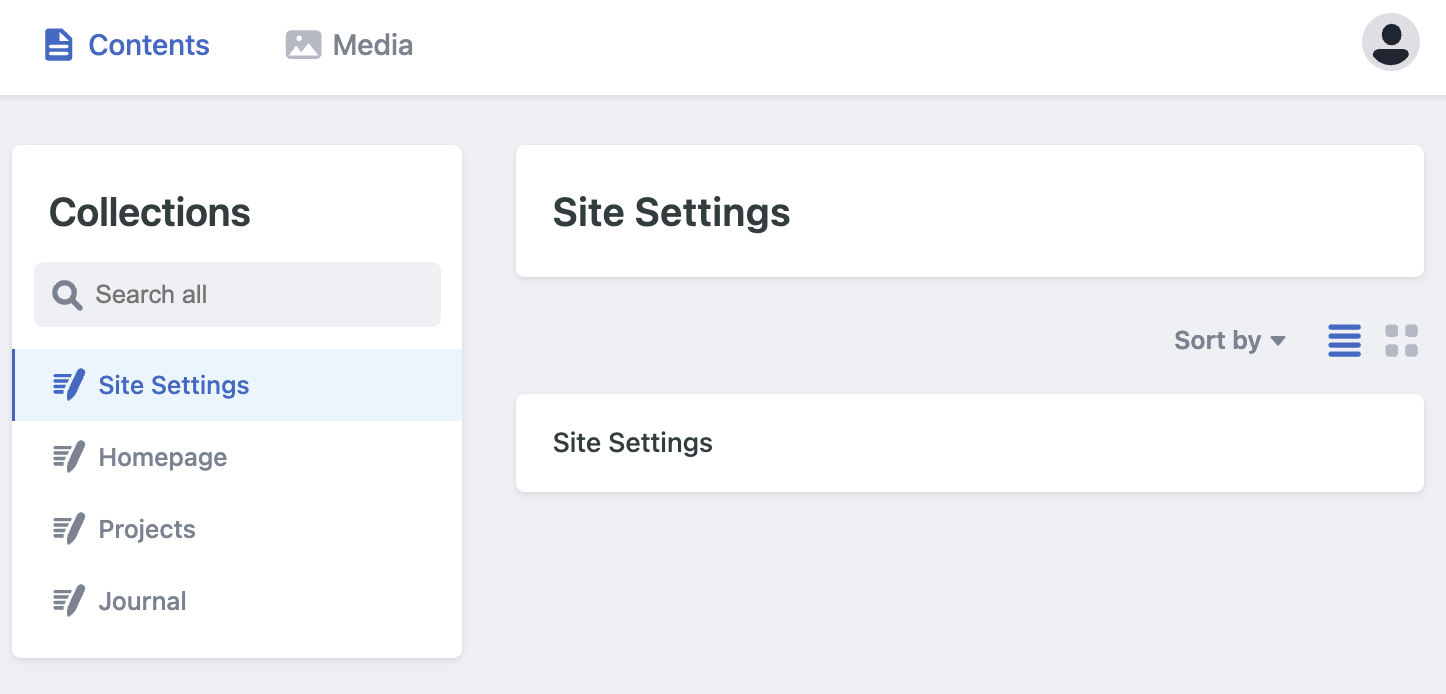
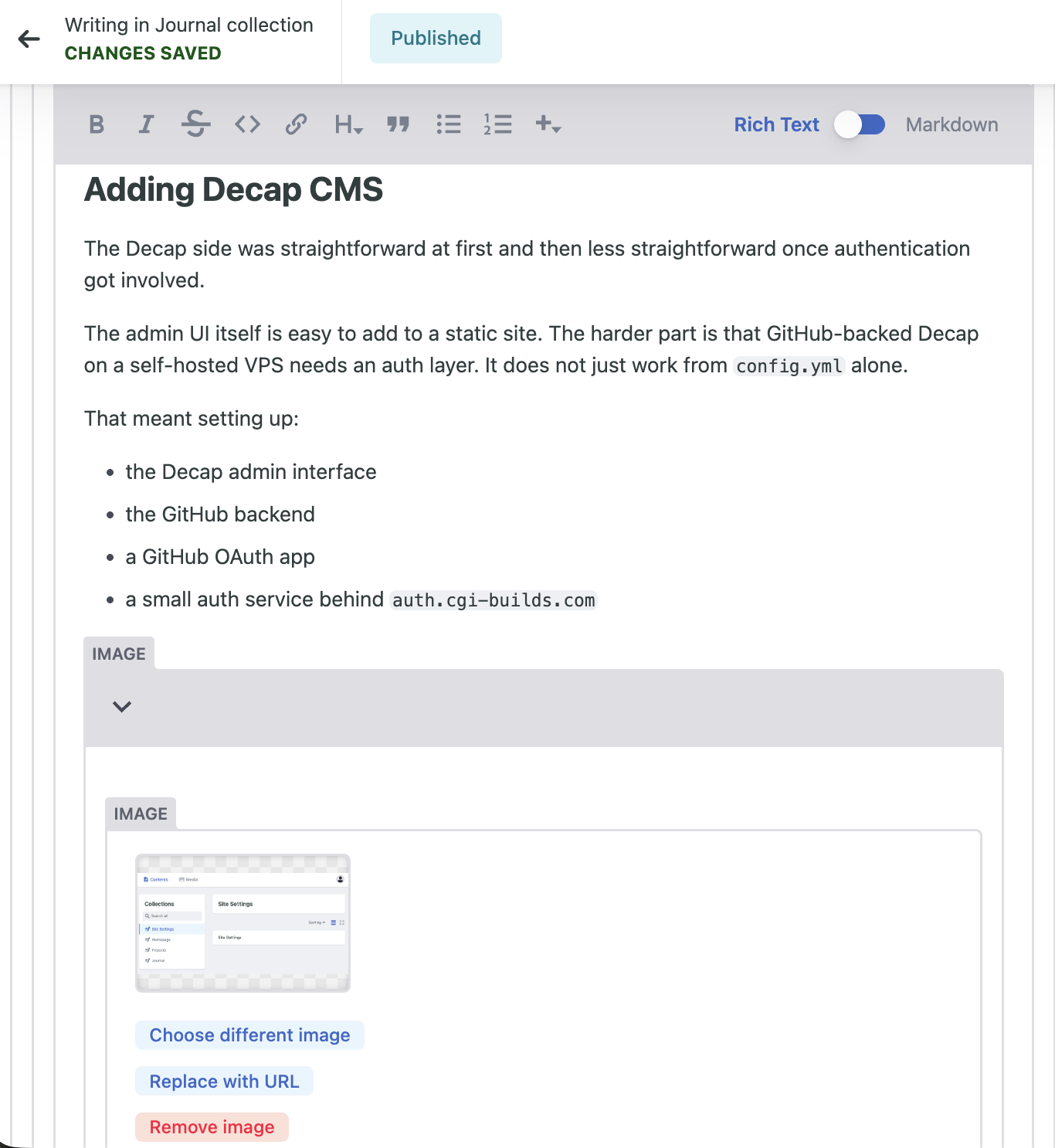
The Decap side was straightforward at first and then less straightforward once authentication got involved.
The admin UI itself is easy to add to a static site. The harder part is that GitHub-backed Decap on a self-hosted VPS needs an auth layer. It does not just work from config.yml alone.
That meant setting up:
- the Decap admin interface
- the GitHub backend
- a GitHub OAuth app
- a small auth service behind
auth.cgi-builds.com
What made auth fiddly
The auth service was the fussiest part of the whole setup.
The main lessons were:
- the app type matters
- the callback URL has to be exact
- the site origin has to match
- one missing character in a client ID can waste a surprising amount of time
Once the auth service was in place, the CMS could log in through GitHub and write content changes back into the repo.
The missing piece was deployment
At that point, CMS edits were reaching GitHub, but they were not automatically changing the live site.
That is because nginx was serving files from the VPS copy in:
/var/www/cgi-builds
while Decap was updating the GitHub repo.
So the first version of the pipeline was:
- Edit in Decap
- Save to GitHub
- Manually sync files to the VPS
- Refresh the site
That worked, but it was clearly not the end state.
Auto-deploy made it feel coherent
The setup started feeling complete once GitHub Actions was added.
After that, the pipeline became:
- Edit content in Decap
- Decap commits to GitHub
- GitHub Actions deploys over SSH to the VPS
- The live site updates automatically
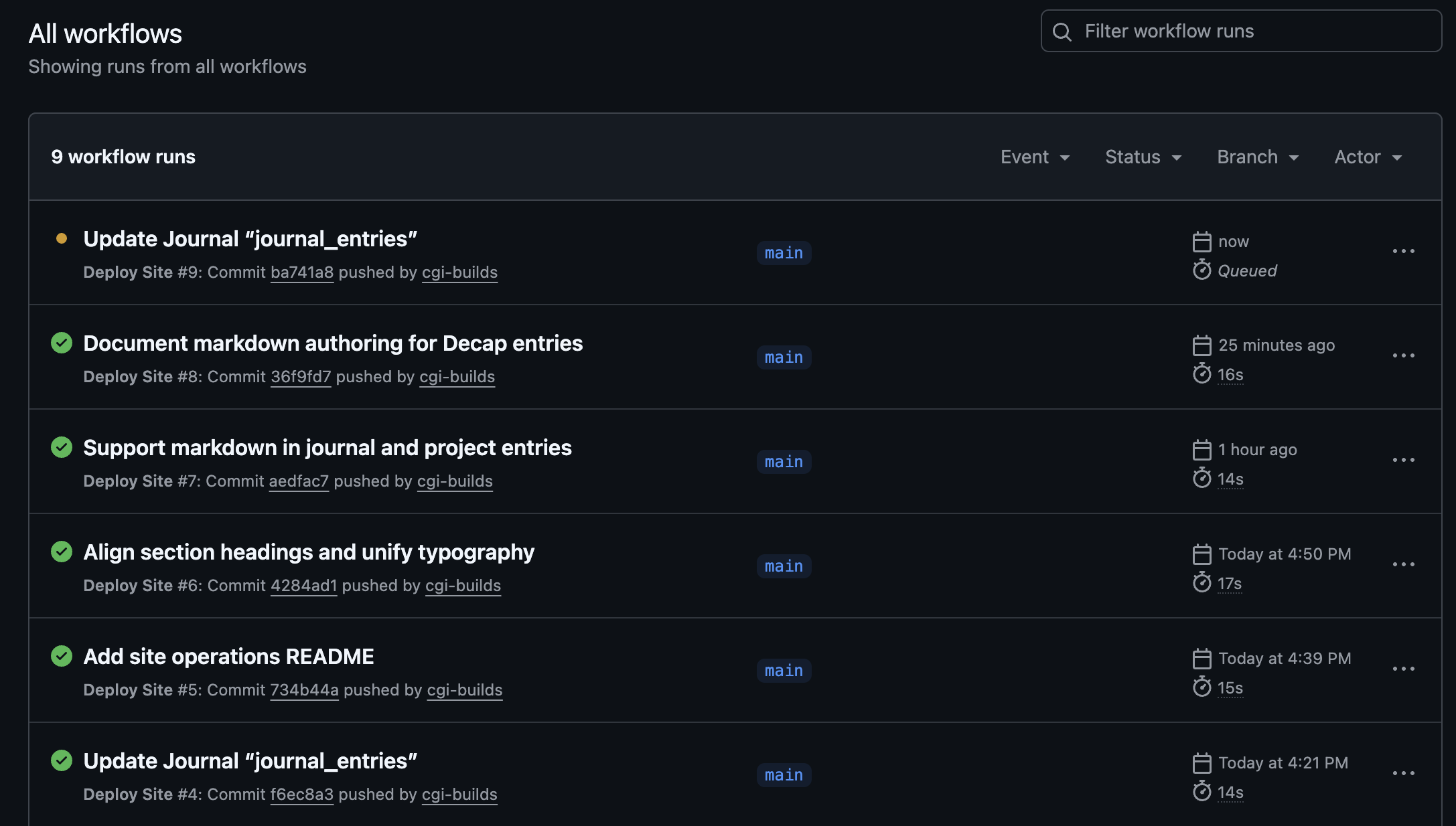
That was the point where the system stopped feeling like several separate moving parts and started feeling like one workflow.
Small frontend details mattered too
The infrastructure work was important, but the visual details mattered more than I expected.
A few of the things that needed tightening were:
- card widths and alignment
- navigation behavior
- homepage section logic
- typography choices
- favicon setup
- keeping the homepage curated instead of turning it into a full feed
The homepage now only shows the latest three journal entries, while the journal index page holds the full archive.
That felt like a better balance between freshness and control.
What I like about it now
What I like about the setup is that it still feels honest.
The public site is just static files on nginx. The content workflow is Git-backed. The CMS exists for convenience, not because the whole architecture depends on a heavy application stack.
It feels like a good middle ground between simplicity and usability.
What I would recommend
If I were setting this up again, I would get the auth and deployment pipeline in place earlier.
The site design and markup are the easy part. The real shape of the project is determined by how content gets authenticated, committed, and deployed.
That was the real work.